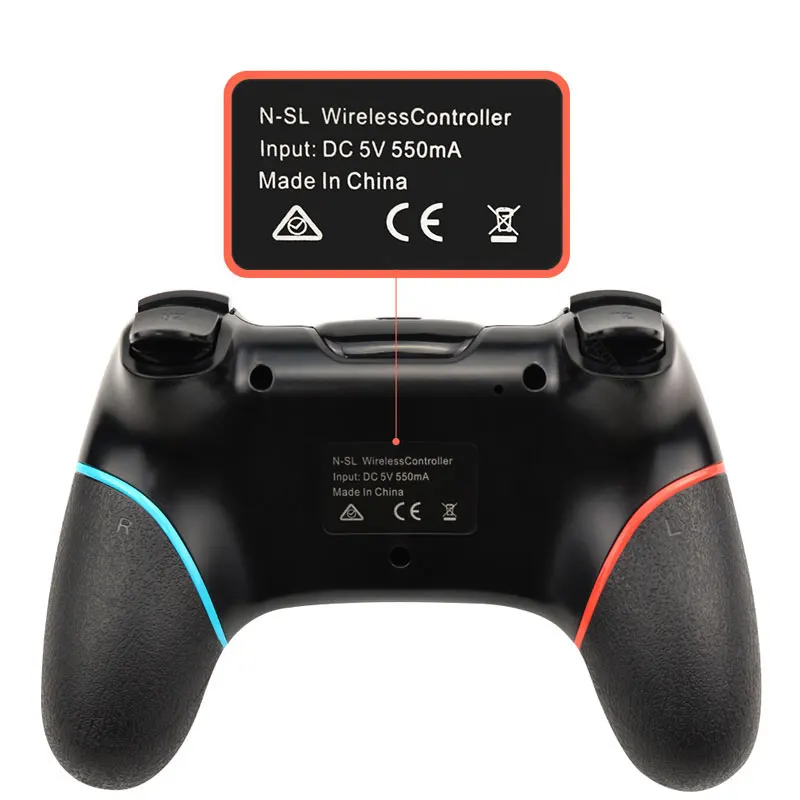
Wireless Bluetooth Gamepad For Nintendo Switch Pro NS-Switch Pro Game joystick Controller For Switch Console with 6-Axis Handle
Yellow
$38.14
Sale price
$38.14
Regular price
Skip to product information


Wireless Bluetooth Gamepad For Nintendo Switch Pro NS-Switch Pro Game joystick Controller For Switch Console with 6-Axis Handle
$38.14
Sale price
$38.14
Regular price

Connection to Nintend Switch:
1. Power on Switch Console first.
2. In the menu page of Switch Console, press "Controllers"→"Change Grip/order" →enter the Console pair interface "Press L + R on the controller".
3. Long press "Y + HOME" Buttons up to 5 seconds, and 4 buttons of HOME will flash quickly and circularly. When one of four LED light frash long time,it means that the controller is paired successfully with Switch Console.